Best Thermal Printer for Resellers (2026): Why I Chose Jadens
If you are looking for the best thermal printer for resellers, you have likely realized that your old inkjet setup is killing your productivity. Every minute spent cutting paper and taping labels is a minute you aren’t spending sourcing new inventory. The “Operator” standard is simple: A package should take 60 seconds to ship, start to finish. You cannot hit that speed limit if you are folding paper and wrestling with a tape gun.
You need a thermal printer. It uses heat instead of ink (so you never buy cartridges again), and it prints peel-and-stick labels in one second. But which one? The market is flooded with options. In this best thermal printer for resellers guide, we pit the industry giants against the new challenger that has become my daily driver: The Jadens Bluetooth Printer.
Why I Chose the Jadens (The Winner)
For years, Rollo was the default recommendation. But they are expensive ($200+). Recently, I switched my shipping station to the Jadens Bluetooth Thermal Printer, and I haven’t looked back. The ROI (Return on Investment) for the Jadens is unparalleled for a home-based reselling business because it balances professional-grade speed with an entry-level price point.
Why The Jadens Wins
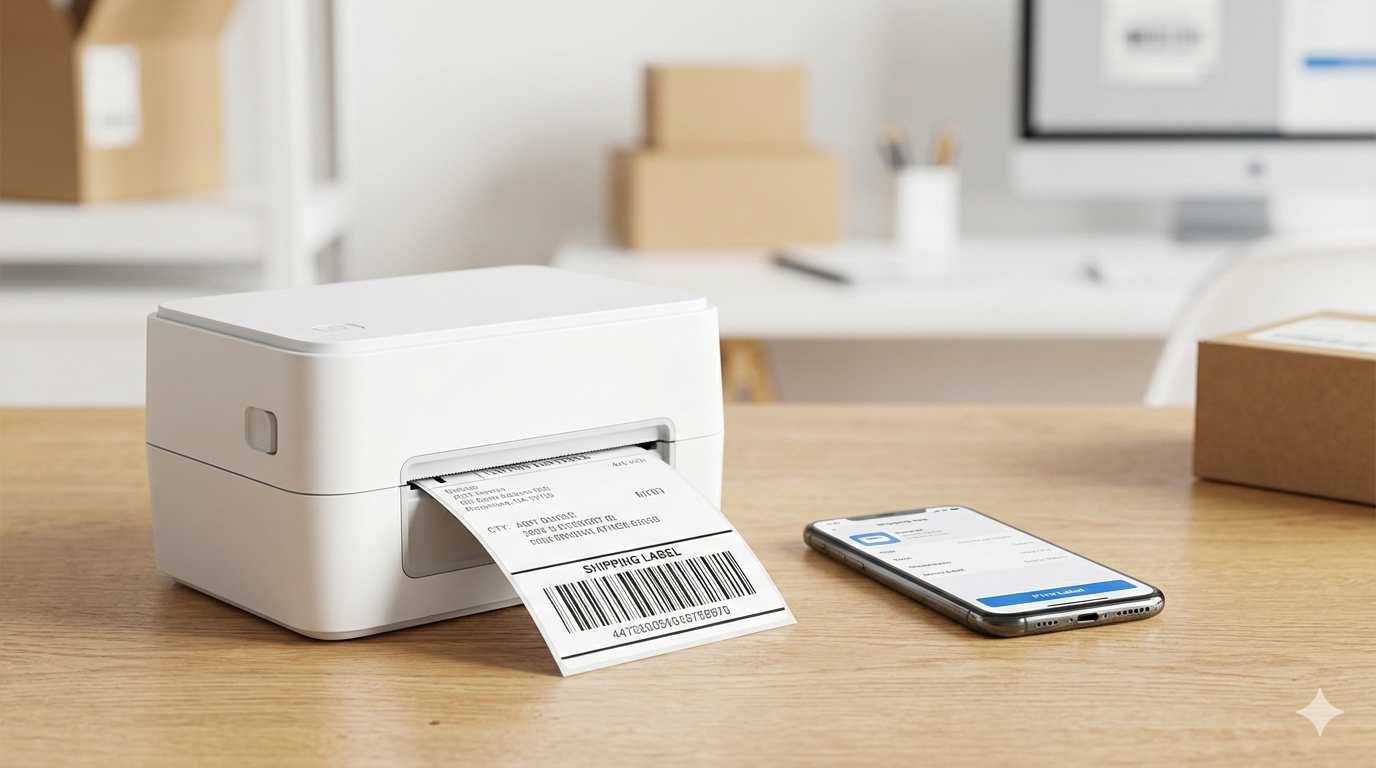
1. Bluetooth is Native: You can print labels directly from your phone (eBay app, Poshmark, or Pirate Ship) without turning on your computer.
2. No Proprietary Labels: Unlike DYMO, which forces you to buy expensive branded labels, Jadens works with any generic 4×6 thermal roll or stack.
3. The Price: It is often half the price of a wireless Rollo, allowing you to reinvest that saved capital into more inventory.
The Hidden Cost of Inkjet Printing
Many resellers hesitate to spend money on a dedicated printer when they already have a home printer. However, when you look at the best thermal printer for resellers, you have to look at the “hidden” costs of inkjet. A standard black ink cartridge costs roughly $30 and prints maybe 200 labels. That is $0.15 per label just in ink. Add the cost of paper and packing tape, and you are spending nearly $0.30 per package before you even pay for postage.
With a thermal printer like the Jadens, your ink cost is zero. You can buy 500 thermal labels for about $20, bringing your per-package supply cost down to $0.04. If you ship 500 items a year, the Jadens pays for itself in supply savings alone, not even counting the hours of labor you save by not using a tape gun.
Operator Setup: Getting the Most Out of Your Jadens
To truly unlock the power of the best thermal printer for resellers, you need to optimize your setup. I recommend using a “label stack” rather than a roll. Stacks sit behind the printer and feed through the back slot, which reduces the chance of the printer pulling or jamming compared to internal rolls. Furthermore, make sure to install the “Jadens Printer” app on your smartphone. This allows you to crop 8.5×11 shipping PDFs down to a perfect 4×6 format with one tap, enabling a completely wireless shipping workflow from your couch or garage.
Thermal Printer Troubleshooting & Maintenance
To keep your equipment running at peak efficiency, you must maintain the thermal head. Every 500 labels or so, use a cotton swab with 70% isopropyl alcohol to gently wipe the heating element. This removes adhesive residue that can cause “white streaks” on your labels. Additionally, ensure you are using high-quality 4×6 labels. Poorly made labels often have uneven adhesive that can gunk up the internal rollers of your Jadens printer and lead to expensive repairs down the road.
Thermal Printer FAQ
Does the Jadens printer require ink or toner?
No. This is a direct thermal printer. It uses heat-sensitive paper that reacts to the print head. You will never spend a single dollar on ink, toner, or ribbons again.
Can I print from my iPhone or Android?
Yes. The Jadens Bluetooth model is specifically designed for mobile-first resellers. You simply sync the printer via the app and you can print directly from eBay, Poshmark, or Pirate Ship PDFs wirelessly.
What is the best label size for reselling?
The industry standard for the best thermal printer for resellers is 4×6 inches. This size is universally accepted by USPS, UPS, FedEx, and DHL. It provides enough surface area for the barcode to be scanned clearly by carrier sorting machines.
Why is my thermal printer printing blurry or light?
Blurry labels are usually caused by incorrect “density” or “darkness” settings in the driver. For the Jadens, I recommend setting your darkness to 12 or 15 and your print speed to 2 or 3. This ensures a deep, crisp black that is easy for mail carriers to scan.
Final Verdict: Professionalize Your Shipping
Shipping is about speed and margins. The Jadens gives you the wireless speed of a high-end printer for a price that protects your margins. By eliminating the friction of tape and paper, you free up your mental bandwidth to focus on what matters: finding more inventory and making more sales. Set it up, pair it with your phone, and stop buying ink forever.